
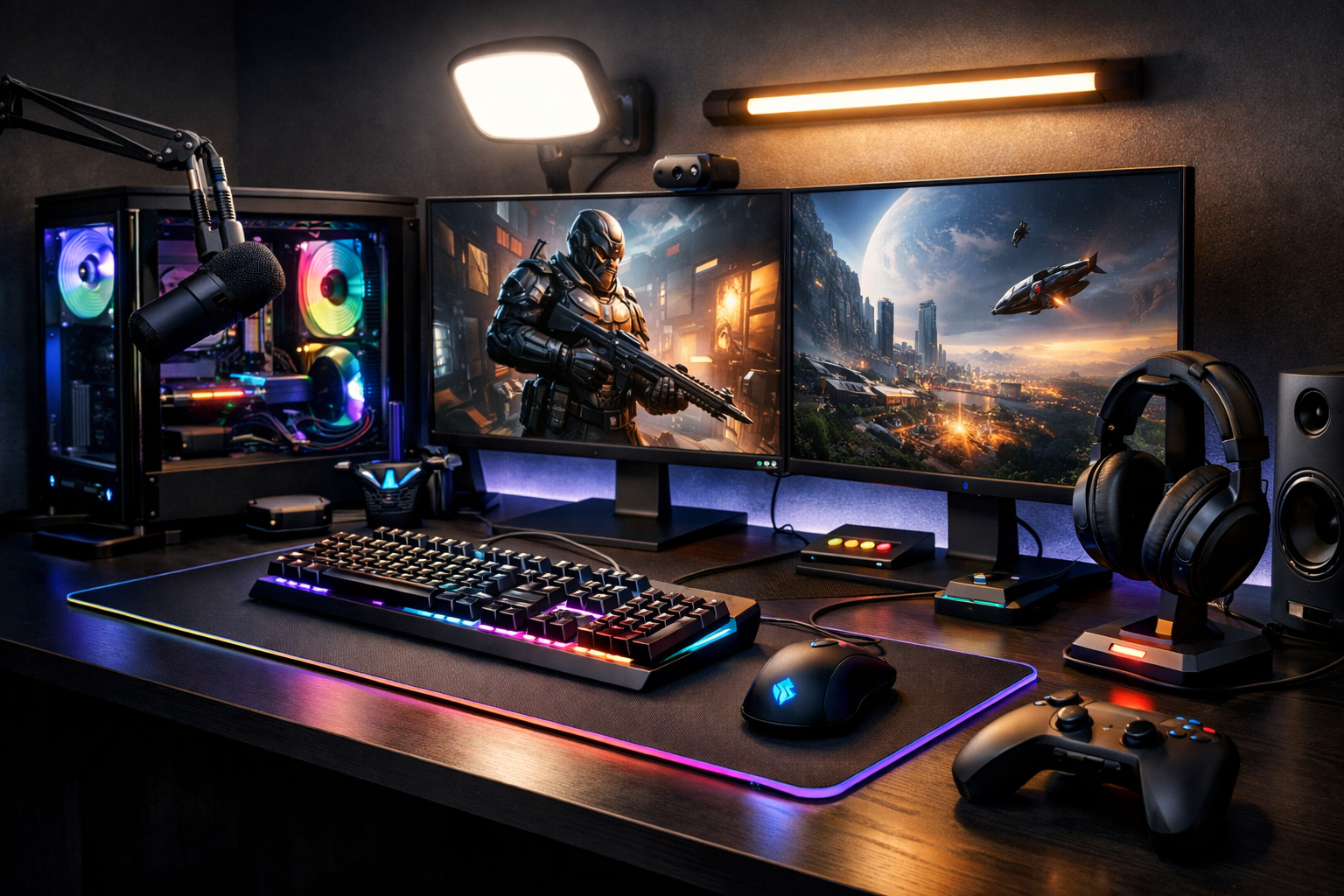
Level Up Your Setup: A Practical Guide to Gaming Hardware & Accessories
Why Gaming Hardware & Accessories Matter
Great gaming experiences are built on more than a powerful graphics card or a fast processor. The full setup matters: display quality affects reaction time, input devices shape precision, audio influences awareness, and ergonomic accessories determine how comfortable long sessions feel. Whether you are a casual player, a competitive esports enthusiast, or a content creator who also games, choosing the right hardware and accessories can transform both performance and enjoyment.
Modern gaming hardware has become more specialized, giving players more options than ever. However, that also makes buying decisions more complex. A balanced setup is usually better than overspending on a single component while neglecting others. For example, pairing a high-end gaming PC with a low refresh-rate monitor or a worn-out mouse can limit the overall experience.
Core Gaming Hardware: The Foundation of Performance
Gaming PC or Console
The first major choice is platform. Gaming PCs offer flexibility, upgrade potential, broad game libraries, and customizable settings. They are ideal for players who want high frame rates, advanced graphics controls, or multitasking features such as streaming and editing. Consoles, on the other hand, deliver simplicity, optimized game performance, and easy access to exclusive titles. They are often more affordable upfront and require less technical knowledge.
For PC gamers, key internal components include the CPU, GPU, RAM, storage, and cooling system. A strong GPU is often the most important part for visual quality and frame rate, while a capable CPU supports smooth gameplay in demanding titles and simulation-heavy games. Fast SSD storage reduces load times significantly, and adequate RAM helps modern games run more efficiently.
Monitor or TV
Display technology plays a major role in gaming responsiveness and visual clarity. Refresh rate, resolution, panel type, and response time all matter. Competitive gamers often prefer 144Hz or 240Hz monitors because they deliver smoother motion and lower perceived input delay. Players focused on cinematic single-player experiences may prioritize higher resolution, HDR, and richer color accuracy.
-
1080p: Easier to run at high frame rates and still popular for competitive gaming.
-
1440p: A strong middle ground between sharp visuals and performance.
-
4K: Excellent detail, but requires more powerful hardware.
Console gamers should also pay attention to HDMI standards, variable refresh rate support, and low-latency game modes when selecting a TV or monitor.
Essential Gaming Accessories
Keyboard, Mouse, and Controller
Input devices directly affect how games feel. Mechanical keyboards are popular because they offer durability, distinct key feedback, and switch options tailored to speed or comfort. Some players prefer quieter linear switches, while others enjoy tactile or clicky designs.
A gaming mouse should fit the hand well and provide a reliable sensor, low latency, and programmable buttons where useful. Weight has become an important factor too, with many competitive players choosing lightweight mice for faster, more precise movement.
Controllers remain essential for racing games, platformers, sports titles, and many action games. Features such as adaptive triggers, back paddles, textured grips, and wireless low-latency connectivity can improve both comfort and control.
Headsets and Audio Gear
Audio is often underestimated, yet it has a significant impact on immersion and situational awareness. A good gaming headset can make footsteps, environmental cues, and directional effects easier to detect. Clear microphone quality also matters for multiplayer communication.
Some users prefer dedicated headphones paired with a separate USB or XLR microphone for better sound and voice quality. This setup is especially useful for streamers and players who spend a lot of time in voice chat. Surround sound features, noise isolation, and comfort around the ears are all worth considering.
Mouse Pads, Chairs, and Desks
Accessories that support comfort and consistency can be just as valuable as performance gear. A quality mouse pad provides a stable tracking surface and can influence glide and control. Extended desk mats also help organize the setup and protect the desk.
Gaming chairs are popular, but the best option is not always the most flashy. Ergonomic support, seat depth, lumbar alignment, and adjustable armrests matter more than style alone. Likewise, a sturdy desk with enough space for monitor placement, cable management, and peripherals can improve both posture and convenience.
Performance, Cooling, and Connectivity
Thermals and Power
Heat management is critical in gaming systems. High-performance hardware can throttle when temperatures rise too much, reducing frame rates and overall stability. Good airflow, quality case fans, clean cable routing, and reliable CPU or GPU cooling all contribute to sustained performance.
A dependable power supply is another often-overlooked component. It protects the system, supports future upgrades, and ensures stable operation under load. Investing in a reputable PSU can prevent long-term issues and improve peace of mind.
Wired vs Wireless Accessories
Wireless gaming peripherals have improved dramatically in recent years. Many now offer latency that is nearly indistinguishable from wired alternatives. Wireless mice, controllers, and headsets can reduce desk clutter and increase mobility. Still, wired options remain attractive for users who prefer uninterrupted power, lower cost, or simpler reliability.
Internet connectivity also matters, especially for online multiplayer gaming. A wired Ethernet connection generally provides lower latency and more stable performance than Wi-Fi, though modern Wi-Fi standards can still work well in many homes.
How to Build a Balanced Gaming Setup
The smartest approach is to match hardware and accessories to the types of games you actually play. Competitive shooters benefit from high refresh-rate displays, responsive mice, and low-latency audio. Story-driven adventure games may reward better displays, richer sound, and a more comfortable controller. Sim racing and flight sim players often invest in specialized wheels, pedals, sticks, or throttles for a more authentic experience.
-
Prioritize the display and input devices you use every session.
-
Choose accessories based on comfort, not only brand popularity.
-
Upgrade storage if load times are slowing you down.
-
Do not neglect cooling, cable management, and desk ergonomics.
-
Spend according to your gaming habits, not just technical specifications.
Final Thoughts
Gaming hardware and accessories are most effective when they work together as a complete ecosystem. The goal is not simply to own the most expensive parts, but to create a setup that feels responsive, comfortable, and reliable. From the platform you choose to the headset on your desk, every piece contributes to the quality of play.
With thoughtful planning, players can build setups that suit their budget and gaming style while remaining ready for future upgrades. In the end, the best gaming hardware and accessories are the ones that help you play better, stay comfortable longer, and enjoy every session more fully.